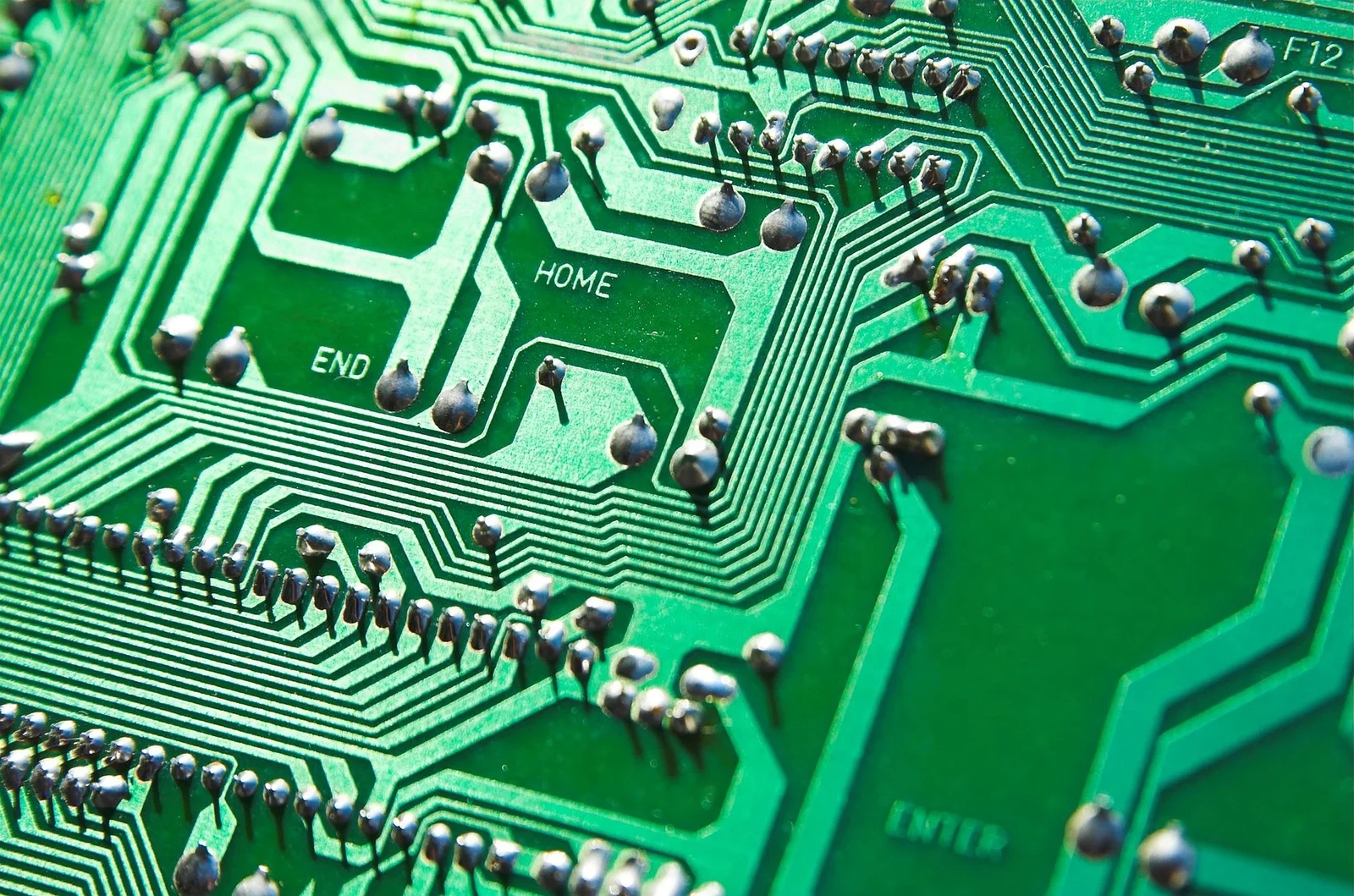
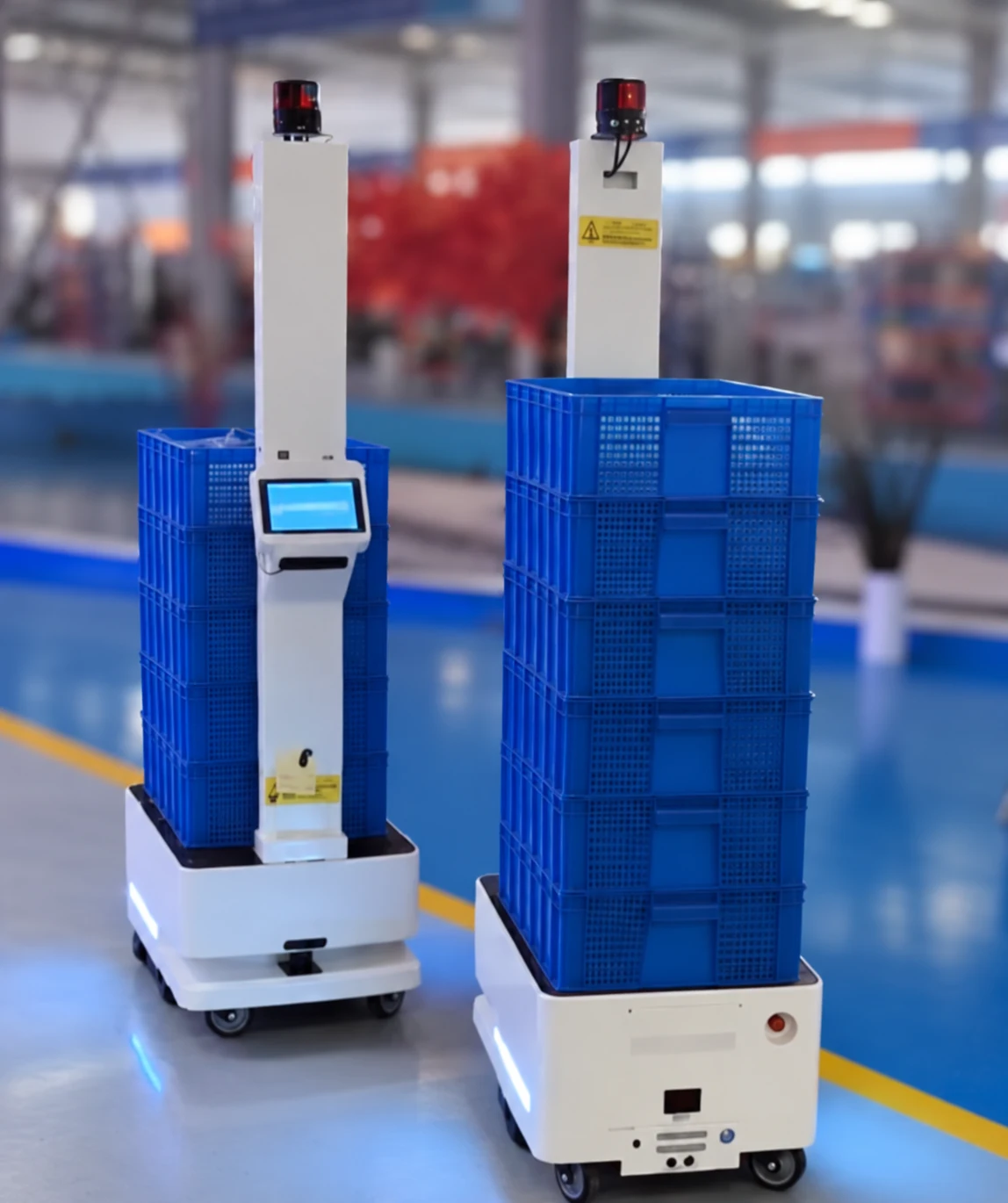
Build an upper-level control screen around RK3566 or RK3568, bringing operator workflows, vehicle status and system communication into one interface for AMRs, AGVs and unmanned forklifts.
RK3566 / RK3568-based upper-level control screens with operator software, vehicle communication and task-system integration for mobile material-handling equipment.
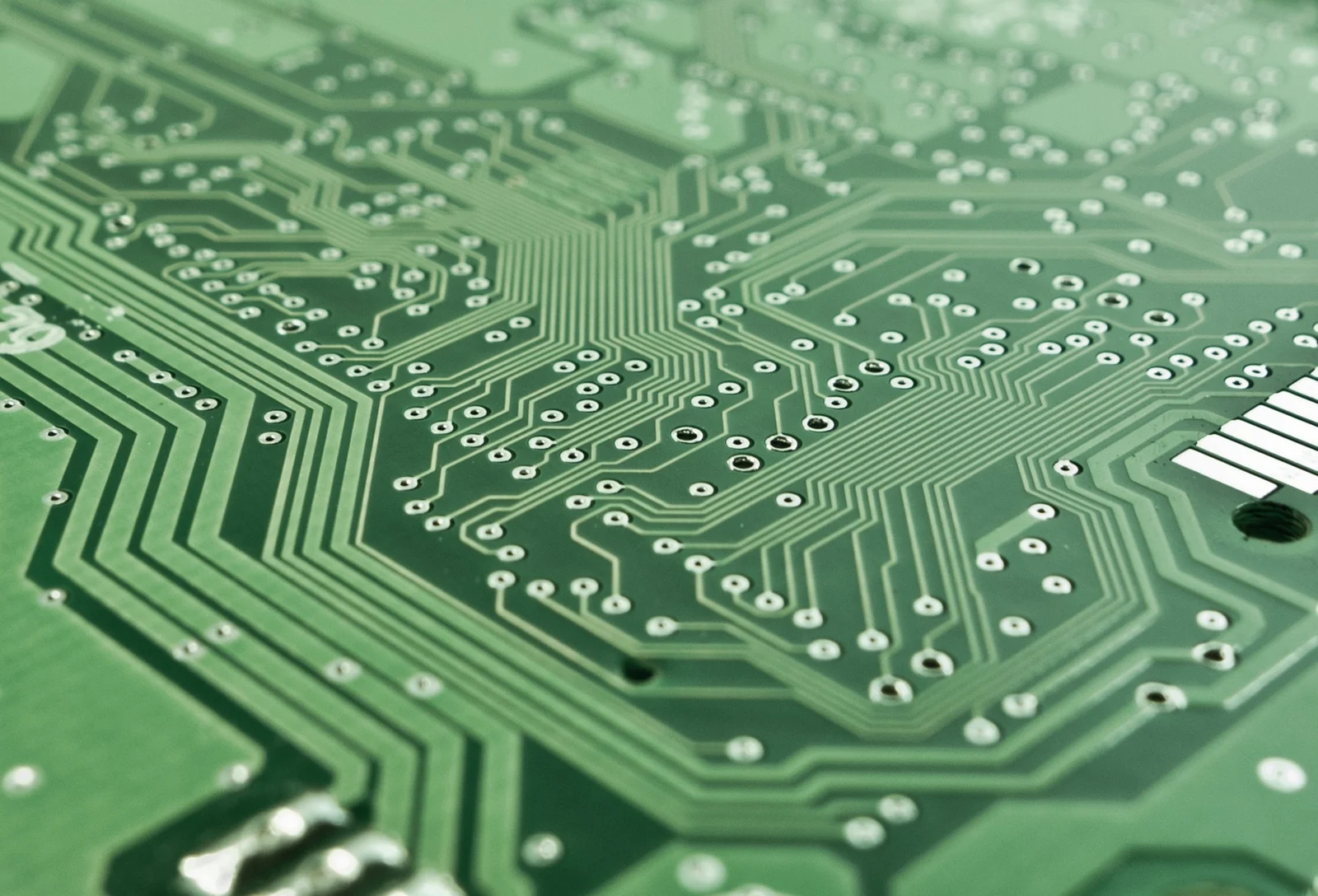
RK3566 / RK3568 control-screen platform
Operator interface and task visibility
Vehicle and business-system integration
The screen uses an RK3566 or RK3568 platform. Board configuration, operating system, interfaces and application functions are agreed for the selected vehicle and project.
Features
Understand the application challenge
An AMR, AGV or unmanned forklift needs a clear operator interface between its vehicle controller and operational systems. An RK3566 / RK3568-based upper-level control screen brings agreed task controls, vehicle status and fault information together. Hardware adaptation, communication behaviour and control responsibilities must be defined for the selected equipment.
Make vehicle operation clear on screen
Design task views, operating-state indicators and fault prompts around the operator's workflow. Define which actions are available in each vehicle state and how command acceptance is shown.
Connect software to the selected hardware
Adapt the application to the RK3566 / RK3568 board, display, touch input and operating-system image. Review the actual controller interfaces before defining data exchange and command handling.
Keep screen, vehicle and task states consistent
Map task identifiers, status updates and completion events between the screen, vehicle controller and connected systems. Define visible behaviour for interrupted connections, rejected commands and stale data.
Solution
Connect the equipment to the workflow
Start with the equipment interfaces and intended user workflow. Confirm what the selected device supports, define the software and system boundaries, then agree implementation and verification tasks.
Review the AMR, AGV or unmanned forklift, its controller documentation and operator tasks. Agree the screen functions, permitted commands and responsibilities of each connected system.
Confirm the RK3566 or RK3568 board, display and touch configuration, operating system and available ports. Develop screen layouts for agreed tasks, equipment states and fault information.
Implement the documented controller communication and, where required, dispatch or WMS / MES interfaces. Map commands, acknowledgements, task progress and completion without assuming unsupported vehicle functions.
Check display and touch behaviour, state accuracy, command acknowledgements, disconnection recovery and restart behaviour on the target hardware. Deliver the agreed software, interface mapping and deployment instructions.
Application context
Where the workflow takes shape
On-vehicle operator panels for AMRs and AGVs
Task and equipment-status screens for unmanned forklifts
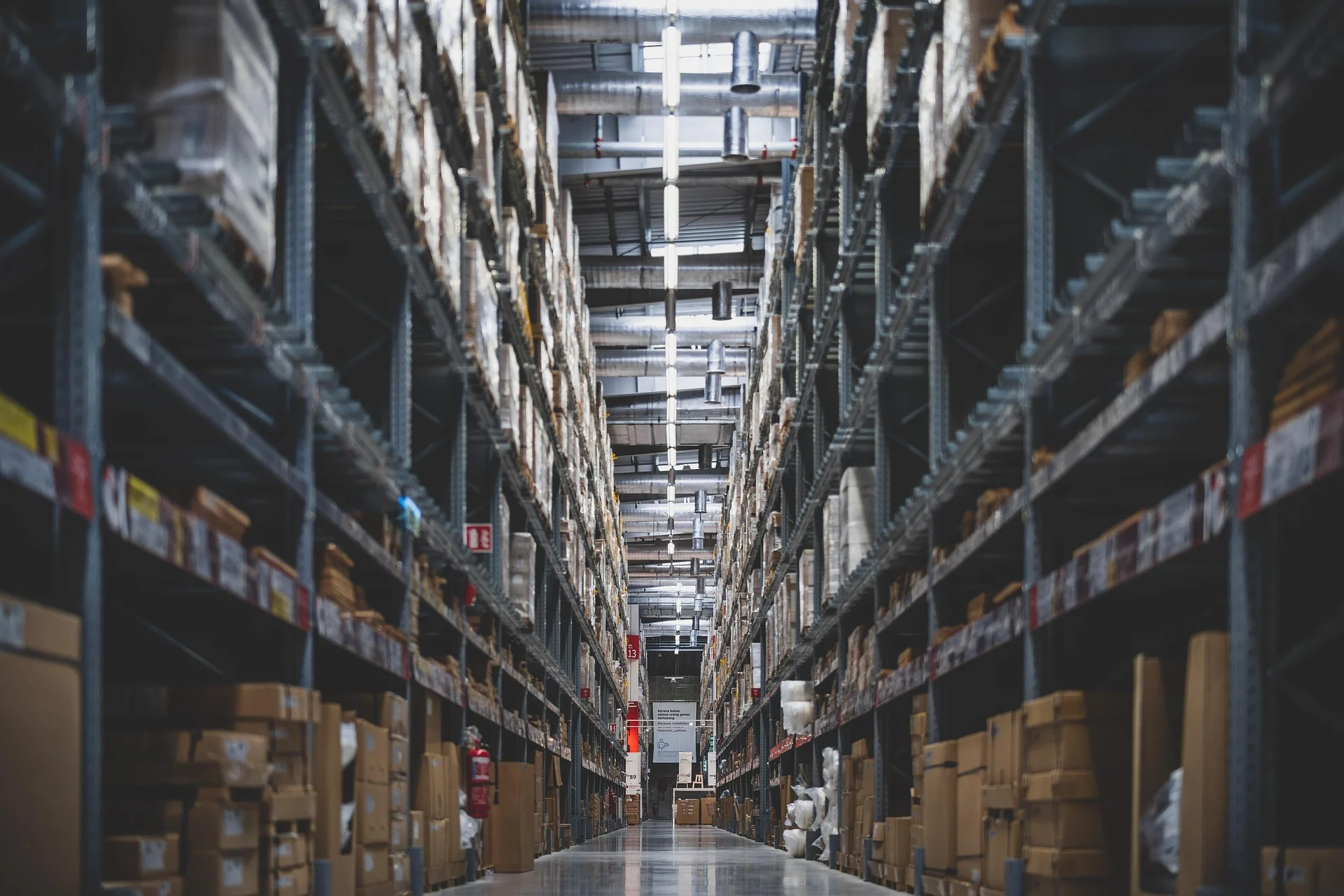
Material-handling workflows in warehouses and production facilities
Integration focus
Define the system boundaries
RK3566 / RK3568 board, display, touch and system adaptation
Documented vehicle-controller commands, status and fault interfaces
Task and completion exchange with dispatch, WMS or MES systems where interfaces are available
Outputs & acceptance
Expected Result
This is an illustrative application, not a completed customer project. The items below describe proposed outputs and checks to agree for an engagement; they are not reported project results.
Agreed deliverables
RK3566 / RK3568 control-screen configuration and software scope
Operator interface with the agreed task, vehicle-status and fault views
Equipment protocol mapping and agreed system-interface integration
Target-hardware verification records, deployment instructions and technical handover
Before implementation
Compatibility & acceptance checks
Core platform
RK3566 or RK3568; board configuration agreed per project
Display and operating system
Panel size, resolution, touch input and system image confirmed for the target hardware
Equipment communication
Ports, protocols and command / status fields verified against the selected board and vehicle controller
System integration
Dispatch, WMS or MES integration scoped against available APIs and task workflows
Control responsibilities
Navigation, motion and safety functions remain with the designated vehicle controllers; screen commands follow their permitted interfaces
Acceptance
Agreed checks for UI operation, data consistency, communication loss, recovery and restart
IN THE FIELD
Control screens in application
On-vehicle interfaces for warehouse and factory material handling.
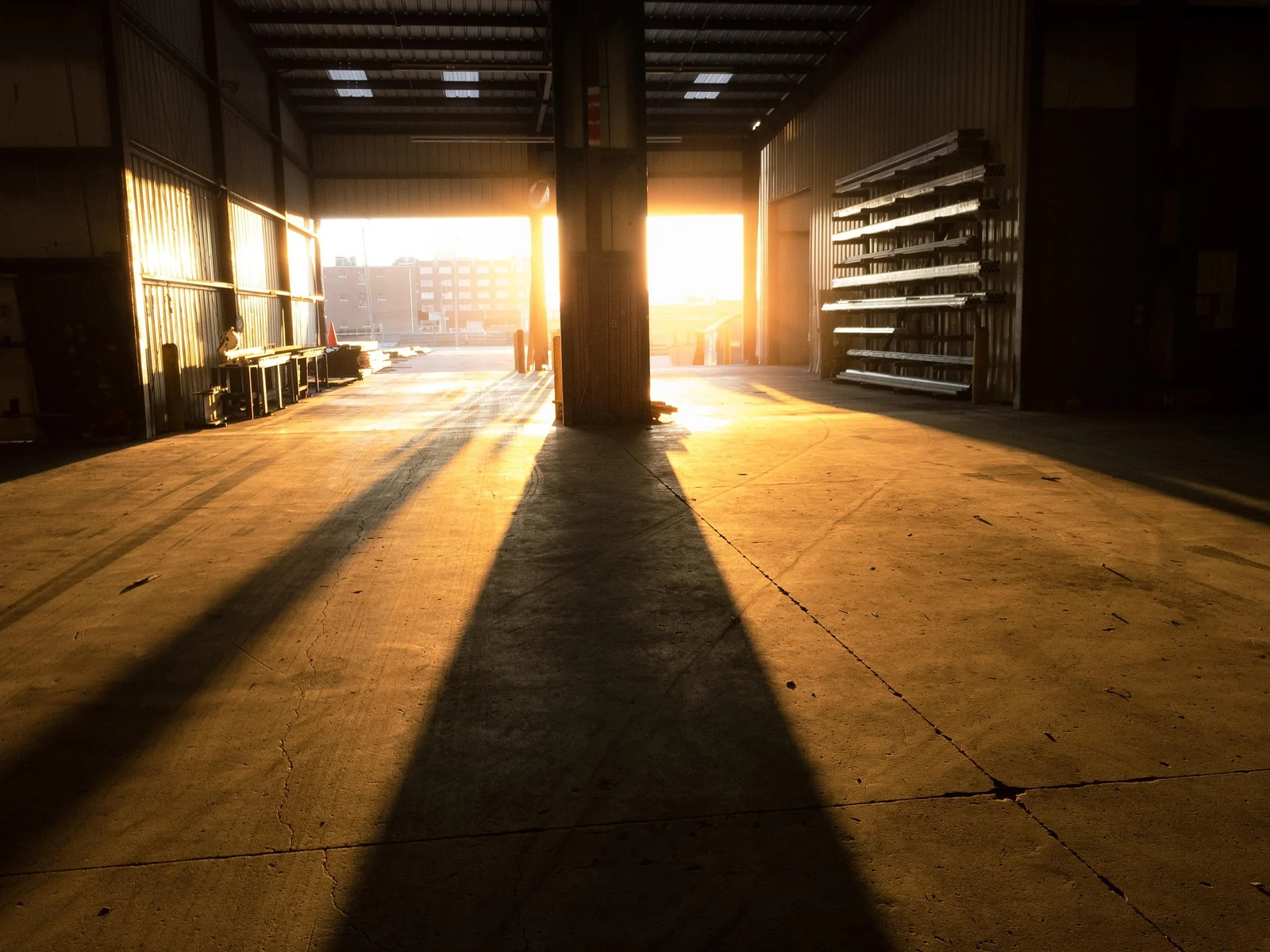
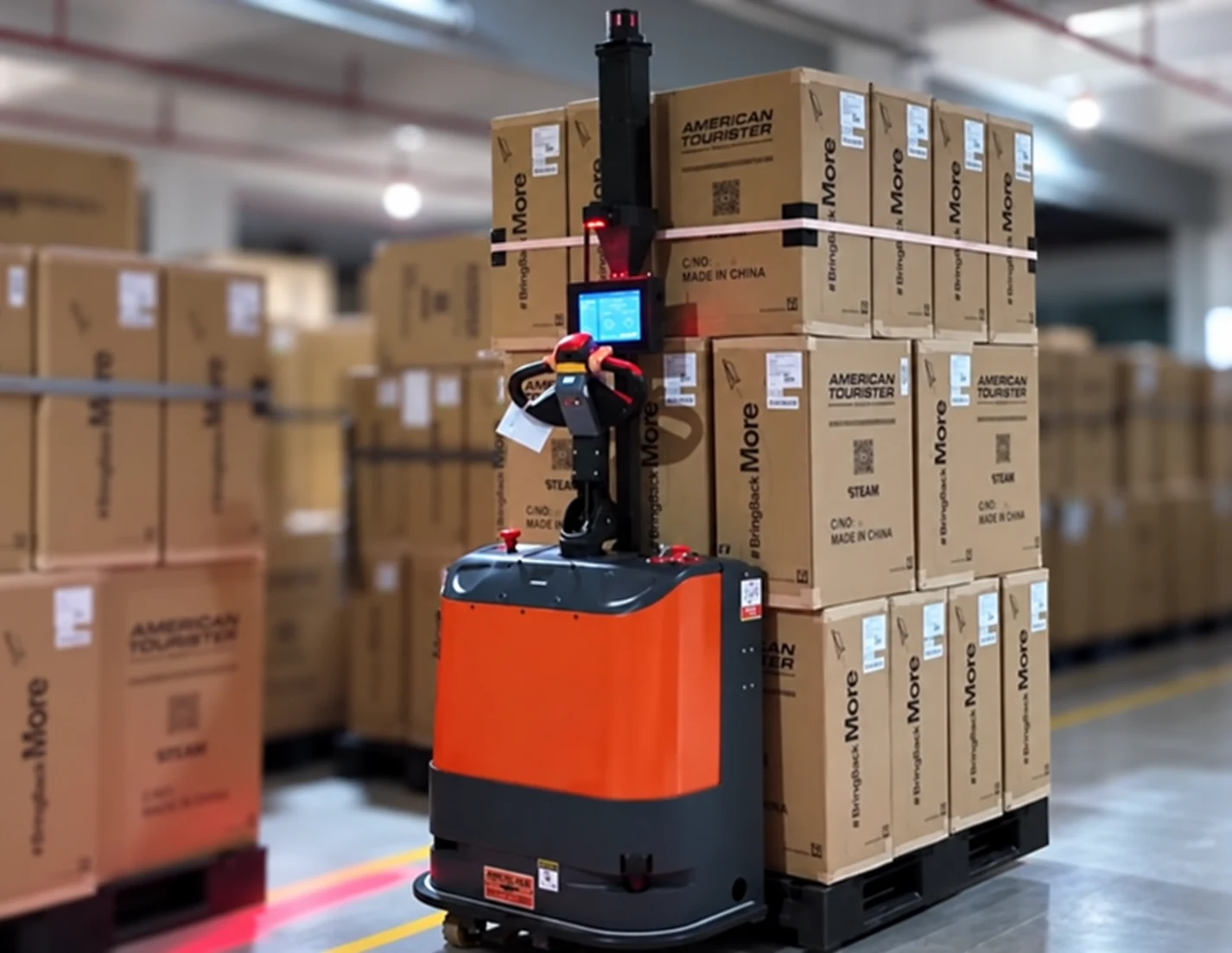
Warehouse pallet handling
A vehicle-mounted control screen places the operator interface alongside the pallet-handling workflow. The software scope centres on task visibility, equipment status and controller communication.
Warehouse pallet handling
FAQ
Explore frequently asked questions about AMR, AGV & Unmanned Forklift Control Screens.
The upper-level control screen is based on RK3566 or RK3568. The board, memory, display, touch configuration, operating system and available ports are selected for the project.
The scope centres on control-screen software and equipment integration: hardware and system adaptation, operator interfaces, controller communication and agreed business-system connections. Functions and deliverables are defined from the actual vehicle interfaces.
Yes, where documented interfaces are available. Task requests, progress, completion and exceptions are mapped to the agreed workflow and verified with the connected systems.
Navigation, motion control and safety functions belong to the designated vehicle controllers. The screen presents information and sends permitted requests through documented interfaces; control ownership is agreed before implementation.