The available options are hard to compare
Product descriptions do not clearly identify the functions, interfaces and constraints needed by your application.
Loading page
Control-screen supply for equipment manufacturers, system integrators and enterprise buyers. Define display size, touch operation, hardware configuration, operating system and interfaces before confirming the supply proposal.
Discuss Equipment Requirements↗A device category alone does not confirm suitability. Check the application, interfaces, site conditions and supply responsibilities against a specific proposed model.
Product descriptions do not clearly identify the functions, interfaces and constraints needed by your application.
You need to know who configures the equipment, connects it to your systems and checks operation at the intended site.
Training, warranty, after-sales and vendor escalation need to be confirmed rather than assumed from a product page.
We supply control screens for equipment applications. The application examples show integration contexts; complete machines are not the default supply scope. Screen model, configuration, availability and commercial terms are confirmed in the proposal.
Compare the equipment requirements with documented candidate capabilities.
Discuss a specific equipment option and confirm the responsibilities included in the quotation.
Define setup and integration work using interfaces available on the selected equipment.
Specify what is included, who provides it and how issues are escalated.
Review device category, quantities, deployment location, operating conditions and required system connections.
Review device category, quantities, deployment location, operating conditions and required system connections.
Illustrative scenarios, not customer cases. The actual scope and acceptance criteria are agreed for your equipment.

Review the display, mounting, host interfaces and barcode-input workflow. Confirm the control-screen configuration and test the agreed scanner connection before acceptance.
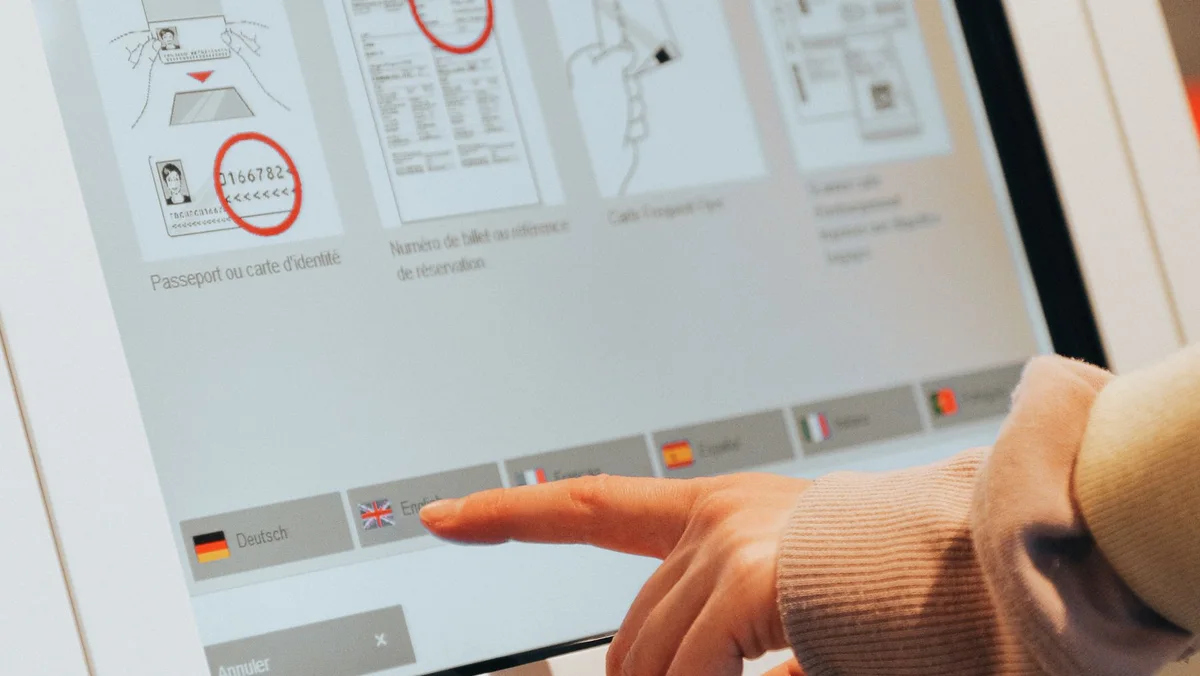
Select a control screen for product selection, equipment status and transaction workflows. Define controller and business-system interfaces alongside the supply scope.
Clarify site conditions, power/network prerequisites and system interfaces. Agree checks and support responsibilities for the proposed configuration.
Explore frequently asked questions about Control-Screen Supply & Services.
Explore related services and practical guidance for your next step.
Explore the main software and integration service, including Android, BLE, protocols, APIs and project takeover.
Explore service →Review the related service scope and the next step for your project.
Explore service →Turn firmware commands, binary packets and incomplete interface notes into a verified communication layer that product applications can use and maintain.
Explore service →Develop or recover a native Android application that manages real connected hardware across permissions, lifecycle events, device state and release requirements.
Explore service →Connect devices and product applications to an MQTT-based cloud workflow with clear identity, telemetry, command, online-state and recovery behaviour.
Explore service →