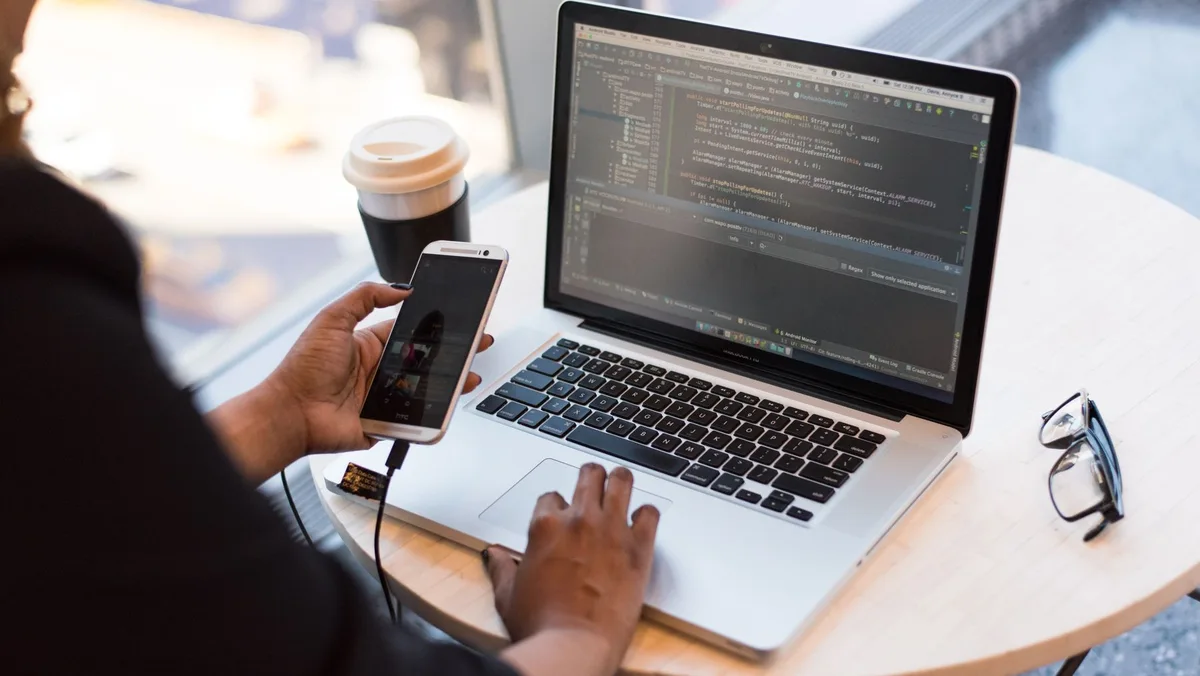
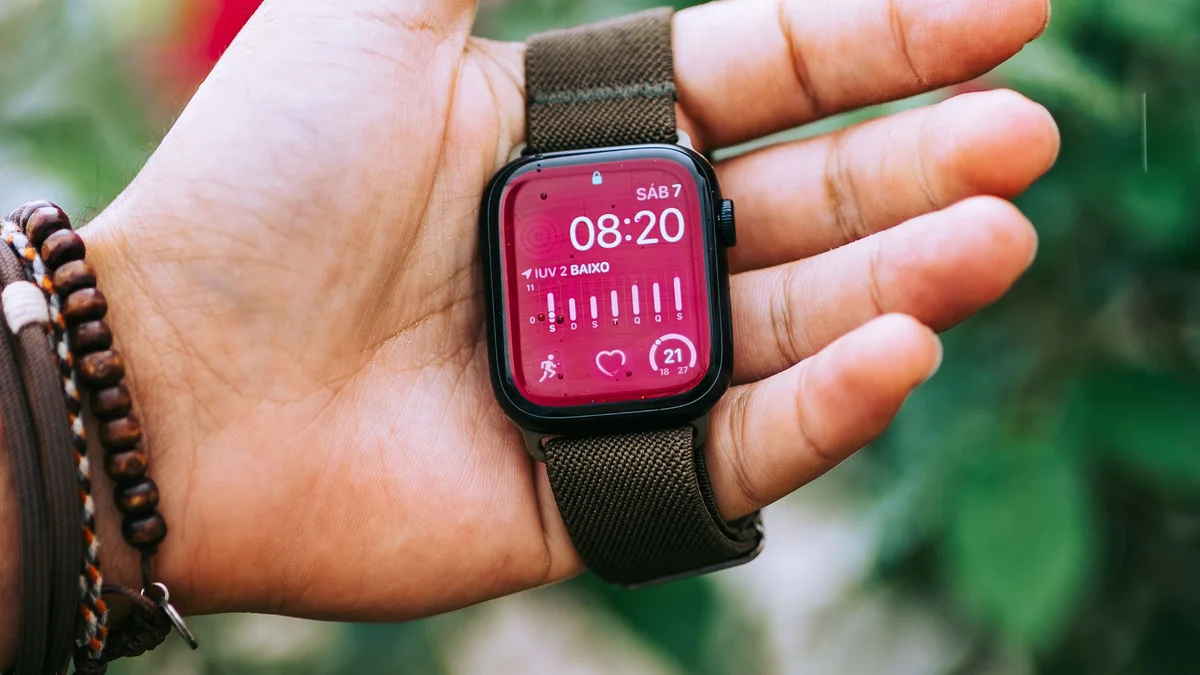
Connect a wearable or BLE peripheral to the selected control-screen or companion application, with clear connection states, documented data and recovery behaviour.
BLE device integration for control-screen or companion software, covering pairing, device data, command feedback and connection recovery.
Control-screen or companion application integration
BLE connection and data-state handling
Documented commands and reconnection recovery
This application illustrates software and integration scope, not a confirmed model or supply offer. Project-selected control-screen configuration, operating system and equipment interfaces are confirmed for the selected hardware and project.
Features
Understand the application challenge
A wearable or BLE peripheral must remain understandable through discovery, pairing, disconnection and data synchronisation. The host screen must distinguish current readings from stale data and expose only documented device functions.
Make connection state part of the interface
Guide discovery and pairing, identify the connected device and show reconnection or unavailable states without implying a live connection.
Map only the data the device exposes
Verify services, characteristics, units and command results against firmware documentation. Mark unavailable or stale values rather than presenting them as current readings.
Handle the host application's lifecycle
Review Bluetooth permissions, background limits and restart behaviour on the selected host. Define reconnection and synchronisation without assuming identical behaviour across platforms.
Solution
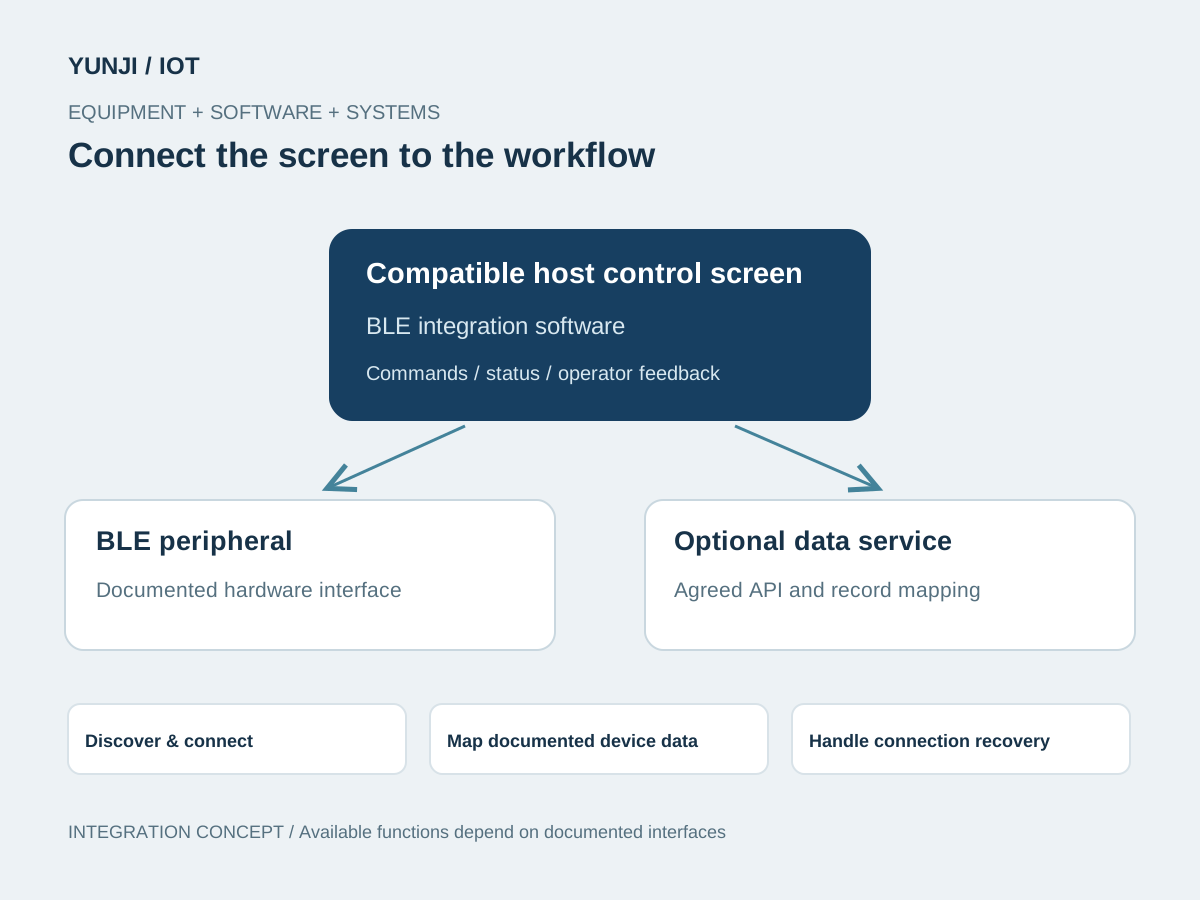
Connect the equipment to the workflow
Integrate the documented BLE services or SDK into the selected control-screen or companion application. Define device identity, permissions, data mapping and connection recovery for the target host.
Confirm firmware, required data, permitted commands, target screen or mobile host and any backend responsibilities.
Verify the host Bluetooth stack, permissions and device SDK or services. Build discovery, pairing and connection-state views.
Map characteristics, units, timestamps where provided and command feedback. Define data freshness and agreed backend exchange.
Check disconnects, host restart, permission changes and interrupted synchronisation on representative hardware. Document supported firmware and known constraints.
Application context
Where the workflow takes shape
Wearable companion interfaces
BLE peripheral status on compatible control screens
Device data exchange with agreed backend services
Integration focus
Define the system boundaries
Host Bluetooth stack, permissions and device SDK
Services, characteristics, units and command acknowledgements
Pairing, reconnection, data freshness and optional backend APIs
Outputs & acceptance
Expected Result
This is an illustrative application, not a completed customer project. The items below describe proposed outputs and checks to agree for an engagement; they are not reported project results.
Agreed deliverables
Selected-host application and BLE interface integration
Connection, data and documented command views
Recovery rules and optional backend mappings
Device compatibility records and technical handover
Before implementation
Compatibility & acceptance checks
Host platform
Control-screen or companion host selected per project; chipset is not fixed
BLE compatibility
Radio, OS Bluetooth stack and permissions verified on the selected host
Device contract
Firmware, services, characteristics, SDK and permitted commands documented
Data semantics
Available values, units, freshness and timestamps checked against actual device output
Backend boundary
Optional upload, identity and access requirements agreed separately
Acceptance
Pairing, reconnection, command feedback and lifecycle recovery on representative devices
SOFTWARE & INTEGRATION
Control screens in application
Control-screen software, equipment communication and system integration.
Interface and integration concepts. Actual screens and supported functions are defined for each project.
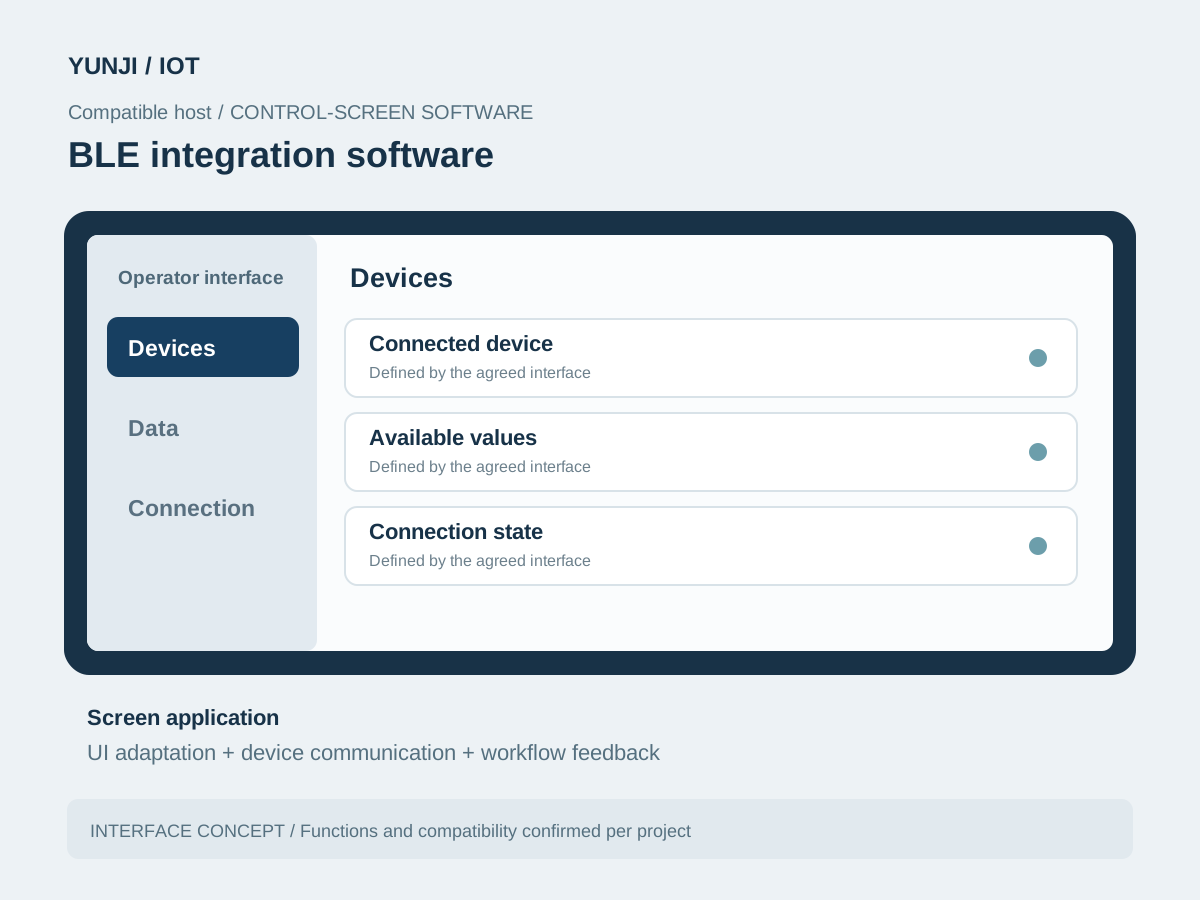
BLE integration software
Compatible host software brings connected device, available values, connection state into one operator interface. The screen is adapted to the selected hardware and workflow.
BLE integration software
FAQ
Explore frequently asked questions about BLE Companion Applications.
This can be evaluated if the screen's Bluetooth stack and device protocol support the required functions. The host platform is selected and validated per project; no RK or MTK model is assumed here.
Only values exposed by the selected firmware, services or SDK are included. Sensor availability, data meaning and freshness must be verified; no medical interpretation is implied.
Yes, subject to review of the codebase, target host, permissions and protocol. Reuse and implementation scope are agreed after that review.
Provide device and firmware versions, BLE documentation or SDK, host hardware and OS, required commands and readings, and any current application or backend interfaces.